Leads & numbers · Article 4 of 10
Assign numbers to agents
Give leads to your agents one by one, in bulk, or spread evenly with Auto delegate.
A number shows up in an agent's calling queue only after it's assigned to them. There are three ways to assign.
Option 1: Auto delegate (fastest)
Spreads all pending, unassigned numbers evenly across your active agents.
- Go to Cold Calls.
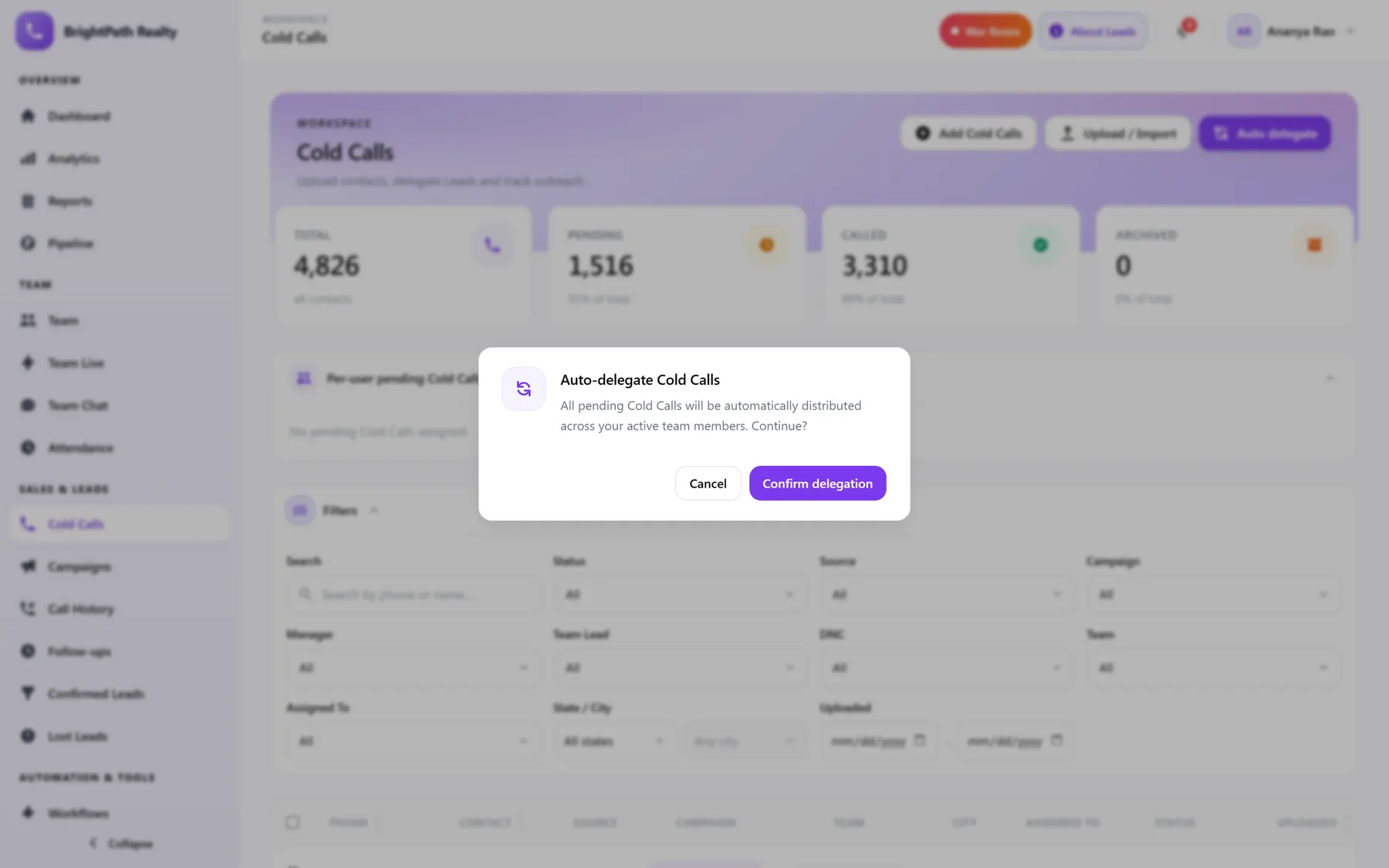
- Click Auto delegate.
- Confirm Auto-delegate Cold Calls — All pending Cold Calls will be automatically distributed across your active team members.
Option 2: Assign selected numbers
Use this to give a specific batch to specific people.
- In Cold Calls, filter to the numbers you want — for example Campaign = Whitefield Launch and Assigned To = Unassigned.
- Tick the rows (or tick the header box to select the whole page).
- Click Assign / Reassign.
- Choose an Assignment mode:
- Round-robin across active callers — shares them out evenly
- Assign to specific users — pick one or more agents
- Assign to specific teams / managers / team leads — shared among the agents under them
- Leave unassigned
- Check the Will be assigned to preview and confirm.
Option 3: Assign while importing
When you import a file, choose the Assignment in the import settings. Every row is assigned as it comes in.
See who has how much work
Expand Per-user pending Cold Calls at the top of Cold Calls. It shows each agent's pending count, so you can spot who is running low and who has too many.
Reassign from one agent to another
- Filter Assigned To = the agent you're taking leads from, and Status = Pending.
- Select the rows and click Assign / Reassign.
- Pick the new agent.
To move leads automatically when agents are absent or leave early, use auto-reassignment.
Automatic assignment for new leads
Leads arriving from integrations (Facebook, 99acres, website forms…) are assigned using the setting you chose for that integration — Round-robin to callers or Leave unassigned. To hand leads on automatically after a call outcome or a stage change — for example, every Interested lead goes to your closer — use a workflow.