Attendance & shifts · Article 1 of 3
How attendance works — punch in, punch out and shifts
How agents punch in and out, how Present, Half Day and Absent are decided, and where to set shift timings.
TeleCalling CRM records attendance automatically from what agents do — there's no separate attendance register to maintain.
How agents punch in and out
- Punch in at the start of the day from the mobile app or the web workspace. Their status becomes Present and they show as On shift in Team Live.
- Punch out at the end of the day. The time worked is calculated automatically.
Forgot to punch in? If an agent makes a call without punching in, TeleCalling CRM punches them in automatically at the time of their first call.
How each status is decided
| Status | When it's set |
|---|---|
| Present | The agent punched in, or made their first call of the day. Stays Present if they work at least half the shift. |
| Half Day | Set automatically at punch-out if they worked less than half the shift. Example: on a 10 AM – 7 PM shift (9 hours), punching out before 4½ hours of work. |
| Absent | Set automatically after the shift ends (plus the grace time) for agents who neither punched in nor made a single call. |
| On Leave | Set by an admin. Agents on leave aren't flagged as idle or absent. |
| Week Off | Set by an admin for scheduled days off. |
Set your shift timings
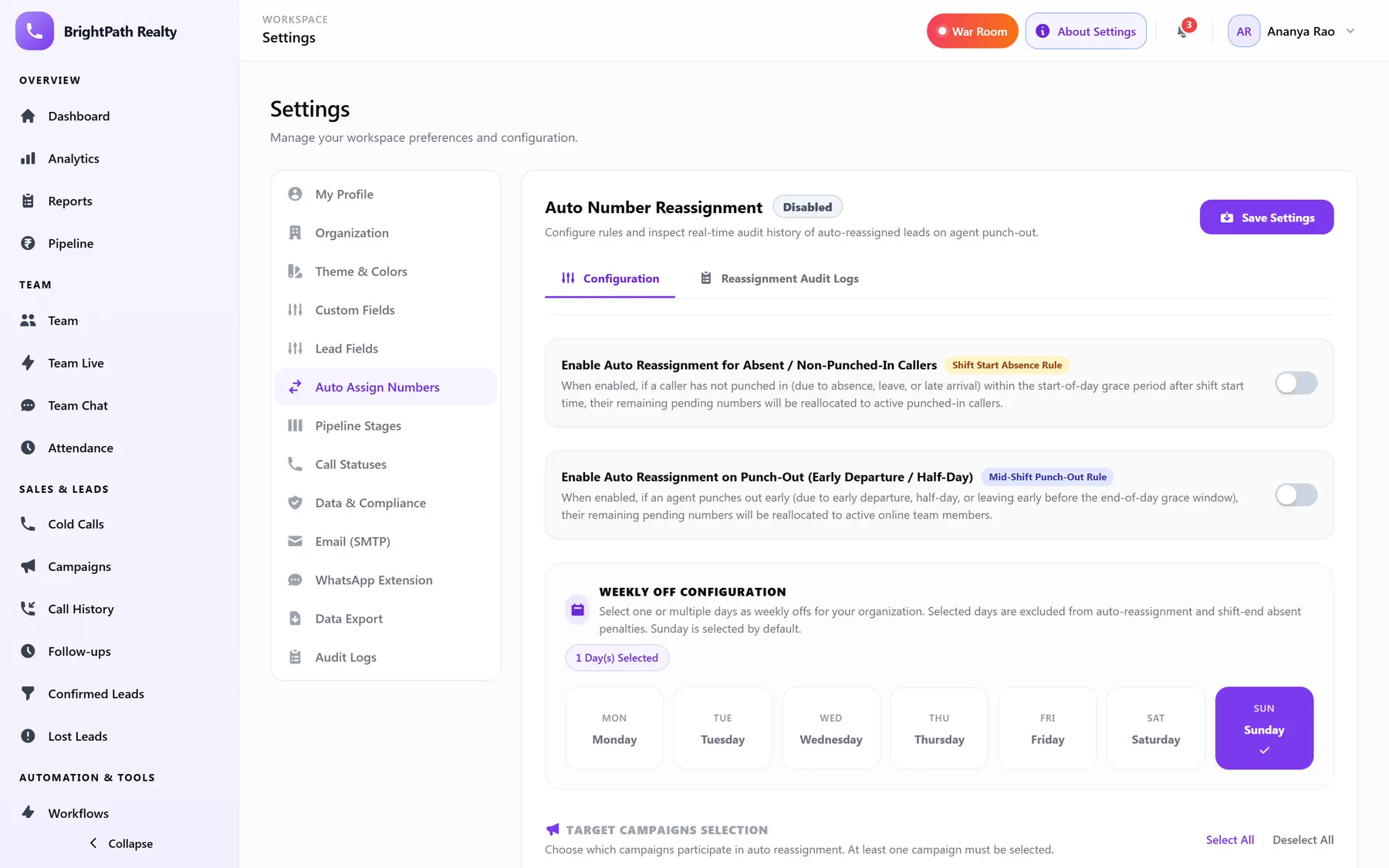
Shift timings drive Half Day and Absent, and also auto-reassignment.
- Go to Settings → Auto Assign Numbers.
- Under Shift Working Hours & Grace Periods, set:
- Shift Start Time — the start of your business day, e.g. 10:00 AM
- Shift End Time — e.g. 7:00 PM
- Punch-In Grace (Mins) — how late someone can punch in before being treated as late
- End-of-Day Grace (Mins) — extra time after shift end before absent marking runs
- Set your Weekly Off Configuration.
- Click Save.
Correct someone's attendance
Admins can change any agent's status for any day — for example, mark approved leave. See Attendance reports.
Common questions
An agent was marked Absent but they were working. They probably didn't punch in and their calls didn't reach us (e.g. no internet). Change their status to Present on the Attendance page.
Does break time count as work? Breaks are tracked separately and shown in the Break column.