Settings & security · Article 2 of 3
Theme and colours
Change the colours of the admin panel to match your brand.
Give the admin panel your brand's colours.
- Go to Settings → Theme & Colors.
- Pick a theme — each card shows its light, main and dark shades.
- Click Save Theme Preferences.
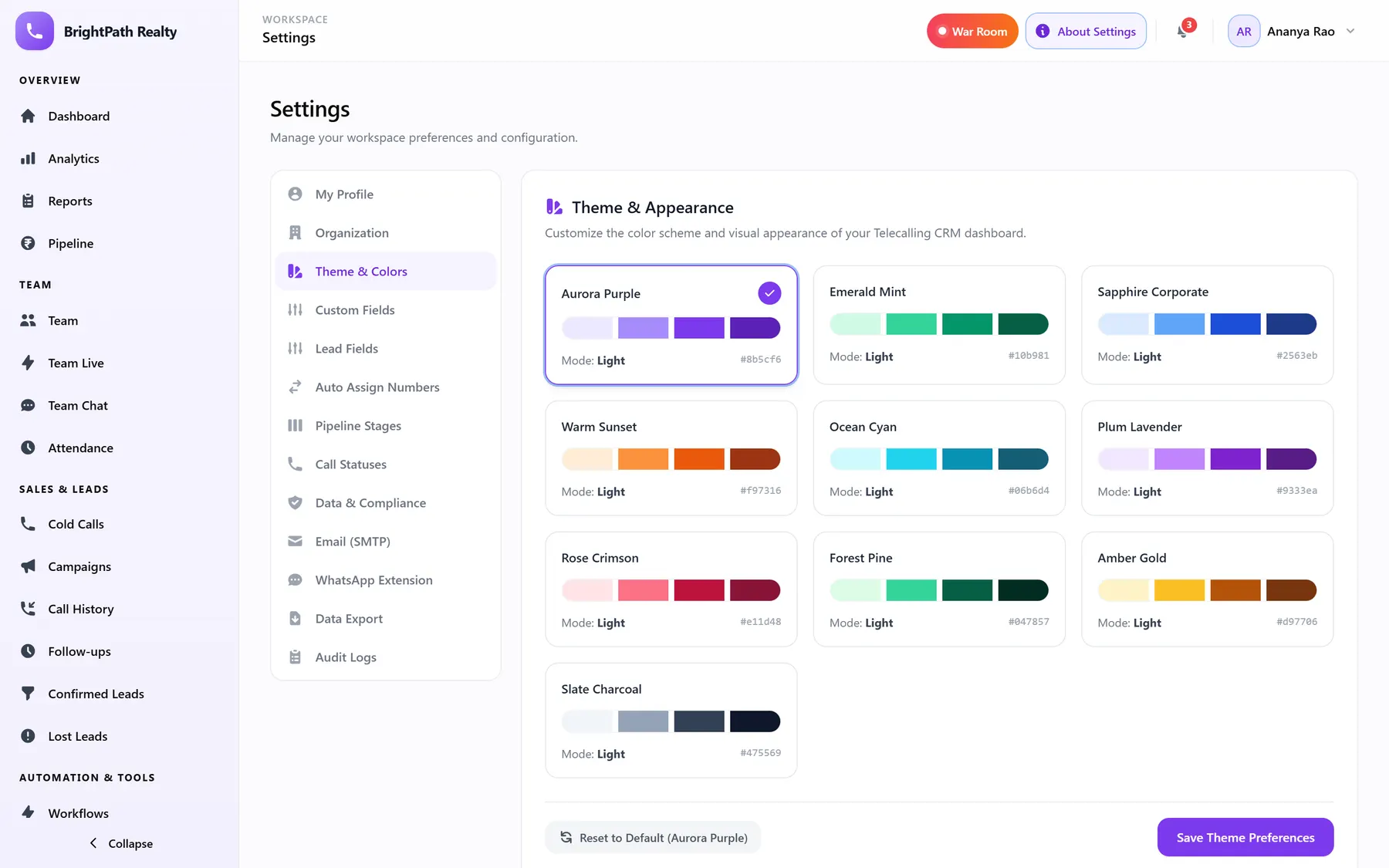
To go back to the original look, click Reset to Default (Aurora Purple).
Tip
Upload your logo in Organization settings too — together they make the CRM feel like your own.