Leads & numbers · Article 6 of 10
Campaigns
Group leads by initiative — a project launch, a festive offer, an ad campaign — and compare how each one performs.
A campaign is a group of leads for one initiative, such as Whitefield Launch, NRI Weekend Drive or Diwali Offer 2026. Campaigns let you see which initiatives bring in good leads and which don't.
Every lead belongs to exactly one campaign. Anything you don't put in a campaign goes into the default General campaign.
Create a campaign
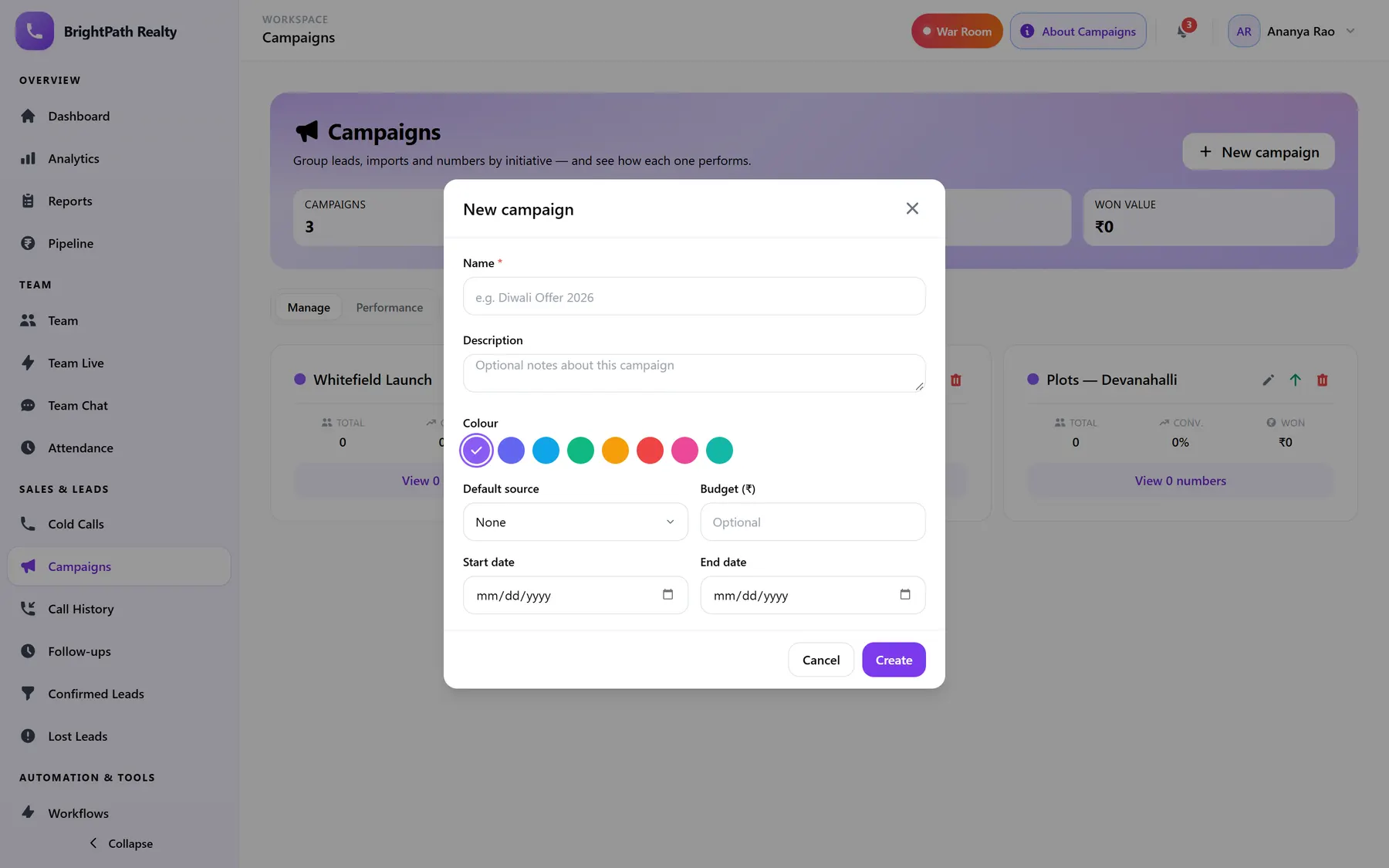
- Go to Campaigns and click New campaign.
- Fill in:
- Name — e.g. Diwali Offer 2026
- Description — optional notes
- Colour — so you can spot it in lists
- Default source — optional
- Budget (₹) — optional; used to work out cost per lead
- Start date and End date — optional
- Save.
Put leads in a campaign
- When importing — choose the campaign in the import settings. See Import leads.
- When adding one number — choose it in the Campaign field.
- Existing numbers — select them in Cold Calls and use Bulk edit → Move to campaign.
- From integrations — set a default campaign on the integration.
Read a campaign card
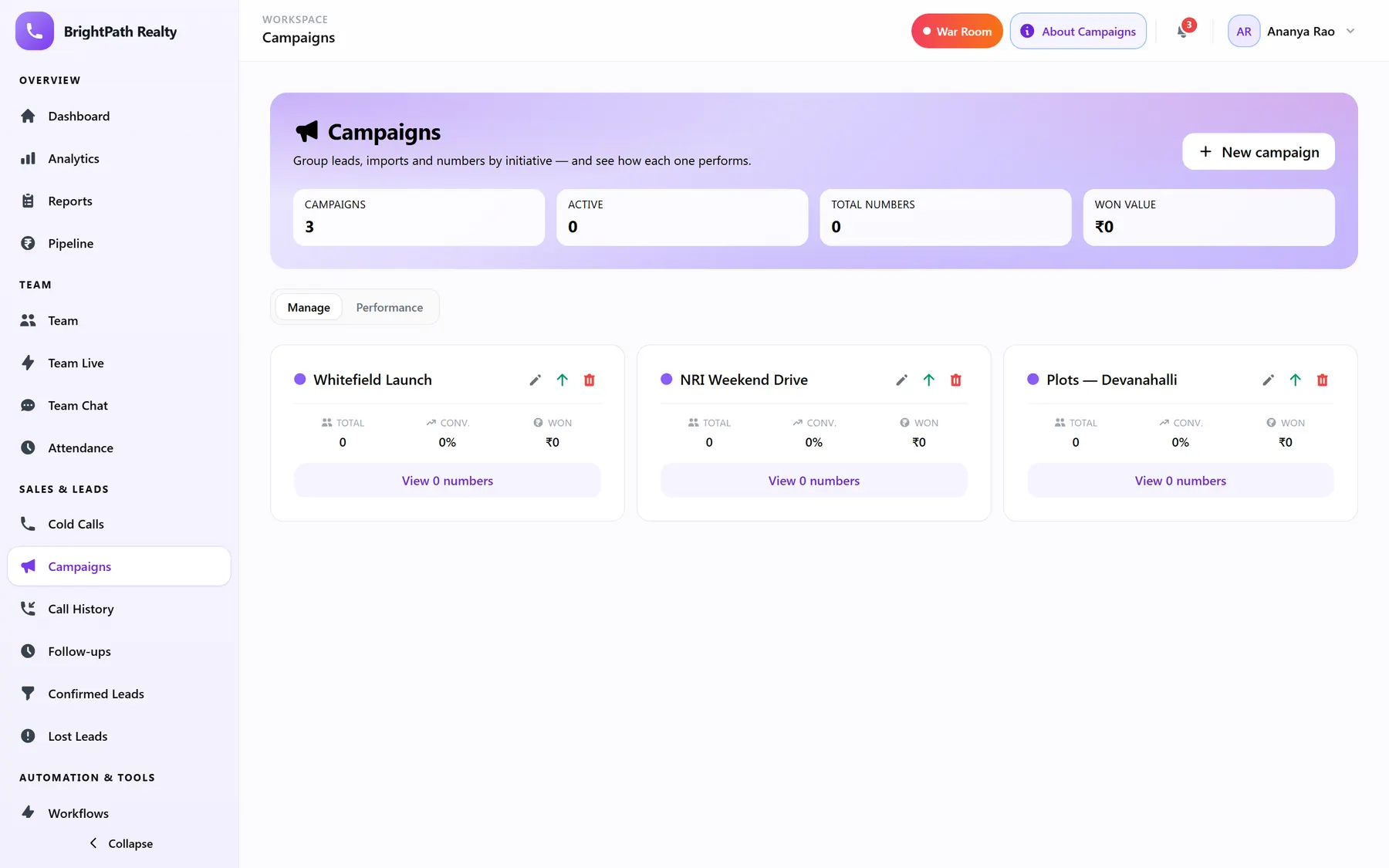
On the Manage tab, each card shows the campaign's Total, Conv. (conversion) and Won value. Click View numbers to open Cold Calls filtered to that campaign.
Compare campaigns
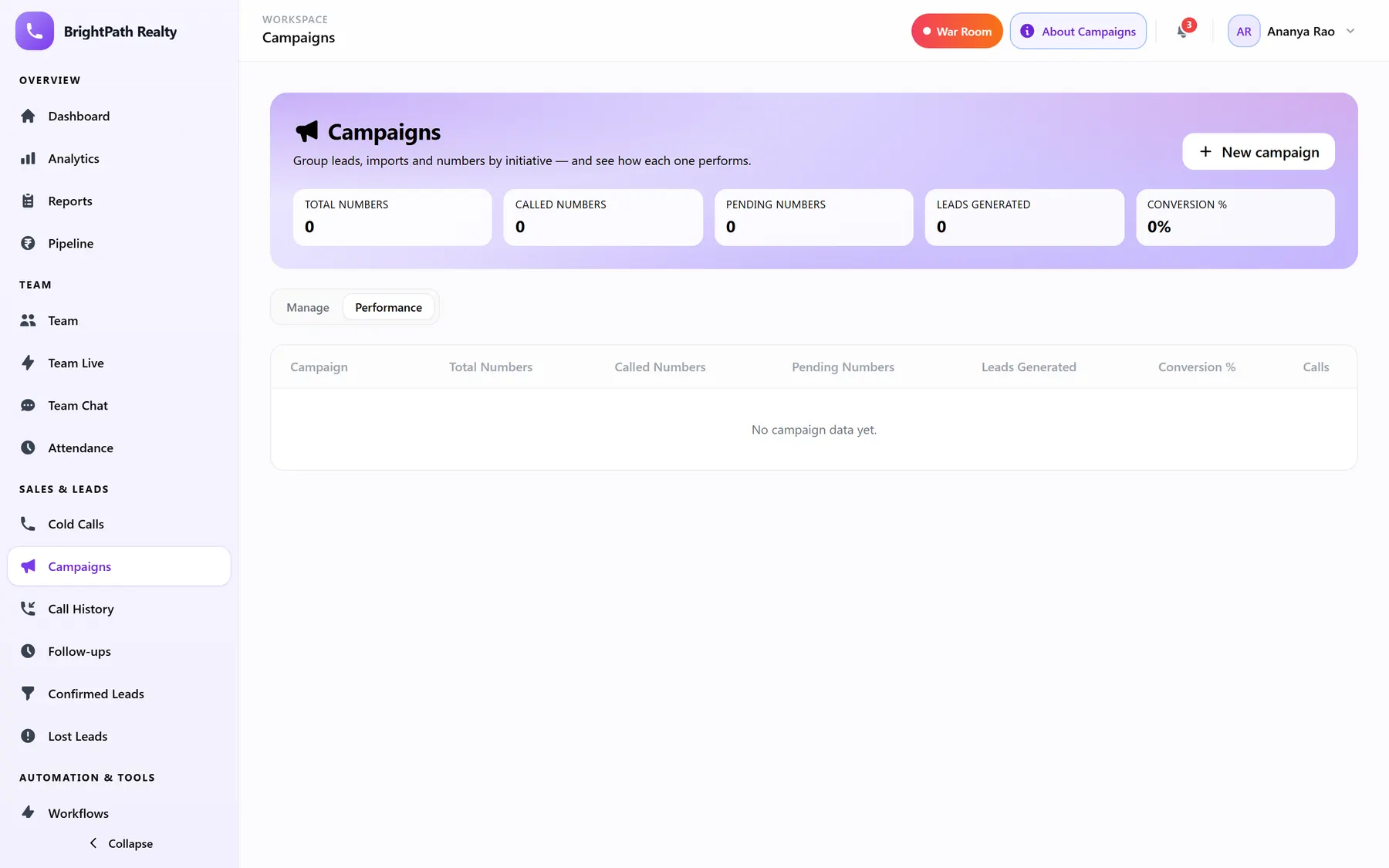
Open the Performance tab to compare all campaigns side by side:
| Column | Meaning |
|---|---|
| Total Numbers | Numbers in the campaign |
| Called Numbers / Pending Numbers | How far through the list you are |
| Leads Generated | Numbers that became leads |
| Conversion % | Leads ÷ numbers called |
| Calls | Total calls made |
| Won Value | Revenue closed |
Archive, edit or delete
Use the icons on a campaign card:
- Archive — hides a finished campaign from your active list but keeps all its leads and history. Archived campaigns are greyed out with an Archived label; click the up-arrow to Restore one.
- Edit (pencil) — change the name, colour, budget or dates.
- Delete (bin) — removes it for good.
Deleting a campaign also deletes its interested leads, follow-ups and call history. Archive it instead if you want to keep the history.