Team & roles · Article 3 of 6
Create teams
Group your agents into teams — by city, product or language — for filtering, reporting and chat.
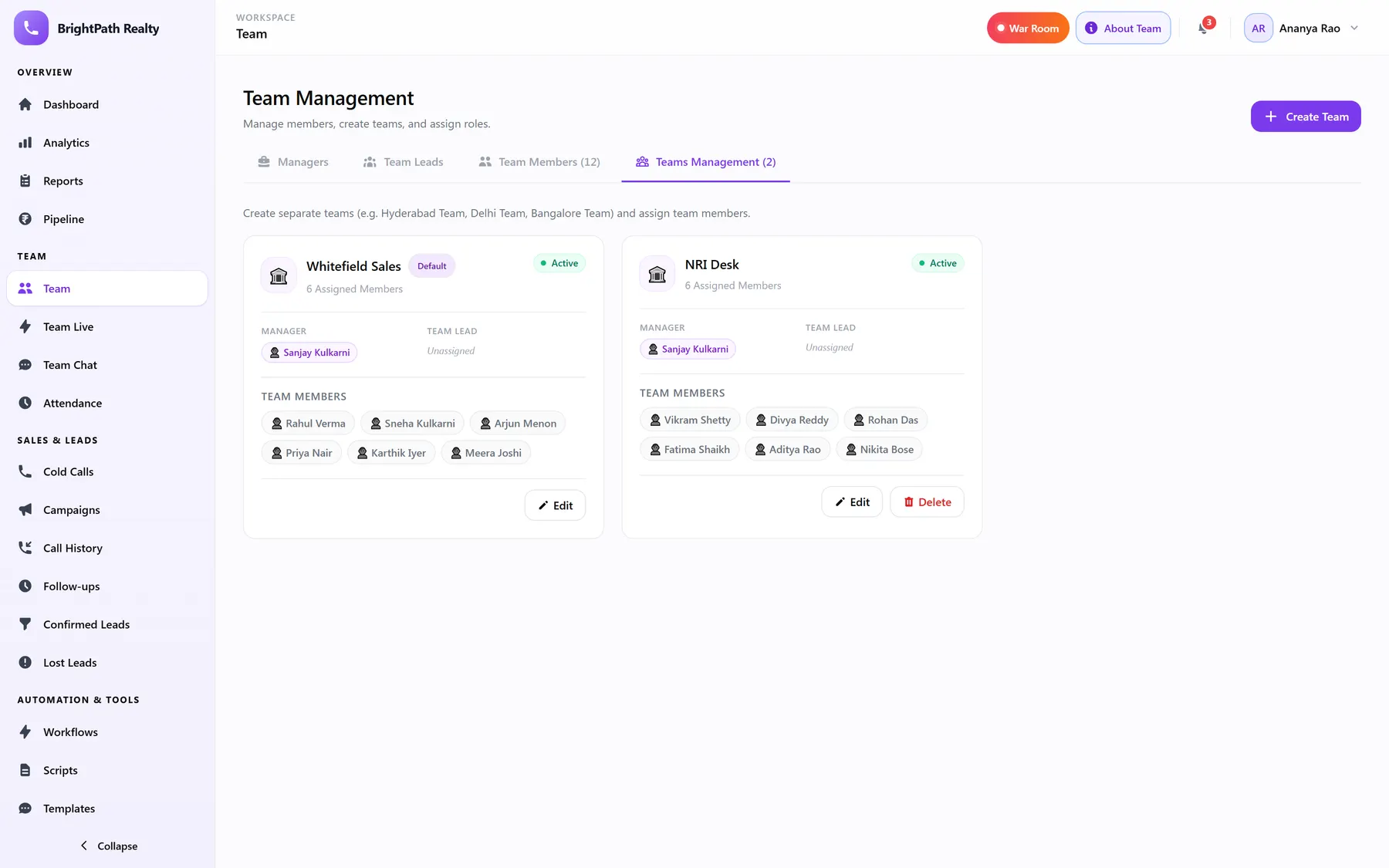
A team is a named group of agents, such as Hyderabad Team, Delhi Team or NRI Desk. Teams make it easy to filter reports, assign work and see how each group is doing.
Create a team
- Go to Team and open the Teams Management tab.
- Click Create Team.
- Enter a Team Name — e.g. Whitefield Sales.
- Set Team Status to Active.
- Pick the Assigned Manager and Assigned Team Lead (optional).
- Tick the agents who belong to this team.
- Save.
Move an agent to a different team
Edit the agent in Team Members and change Assign to Team — or edit the team and tick or untick members.
The default team
Agents who aren't in any team appear under General Team. It's fine to leave small teams there.
Where teams are used
- Filters on Team, Attendance, Analytics, Cold Calls and Reports.
- Team Chat — each team can have its own channel.
- Dashboard — managers can focus on one team.