Getting started · Article 1 of 7
What is TeleCalling CRM?
A plain-English overview of what TeleCalling CRM does and how the pieces fit together.
TeleCalling CRM is software for sales teams that sell over the phone. It gives your telecallers a list of people to call, helps them call faster, records what happened on every call, and reminds them when to call back. As the owner or manager, you see everything live — who is calling, who is idle, which leads are hot and how much revenue is in the pipeline.
Everything runs in two places:
| Where | Who uses it | What it's for |
|---|---|---|
| Admin panel (admin.telecallingcrm.com) | Owners, managers, team leads | Set up the team, import leads, assign work, watch performance, configure automations |
| Agent workspace & mobile app | Telecallers (agents) | Call leads, log outcomes, manage follow-ups, punch in and out |
How a lead moves through TeleCalling CRM
- A lead comes in. You import a list from Excel, add a number by hand, or a lead arrives automatically from Facebook ads, 99acres, your website form or another source.
- It is assigned to an agent. You assign it yourself, or rules and round-robin hand it out automatically.
- The agent calls. From the mobile app (using their own SIM) or from the browser (using cloud calling). The auto dialer moves them from one lead to the next.
- The agent logs the outcome. Interested, callback, not answered, not interested and so on. They can schedule a follow-up and move the lead to a pipeline stage.
- You track it to revenue. Deal values, pipeline stages and the forecast tell you what is likely to close and who closed it.
What's included
Every plan includes every feature. The main areas are:
- Calling — auto dialer, SIM calling, cloud (browser) calling, call recording, call scripts.
- Leads — Excel/CSV import, 12+ lead-source integrations, assignment rules, campaigns, duplicate and DNC checks.
- Follow-ups — one-tap callbacks, reminders, overdue alerts.
- Pipeline — your own stages, deal values and a weighted revenue forecast.
- Automation — workflows that hand leads to the right person, automatic follow-ups from call outcomes, and auto-reassignment when agents are absent.
- Messaging — WhatsApp, SMS and email templates.
- Team — attendance, live team view, war room, team chat, roles and permissions.
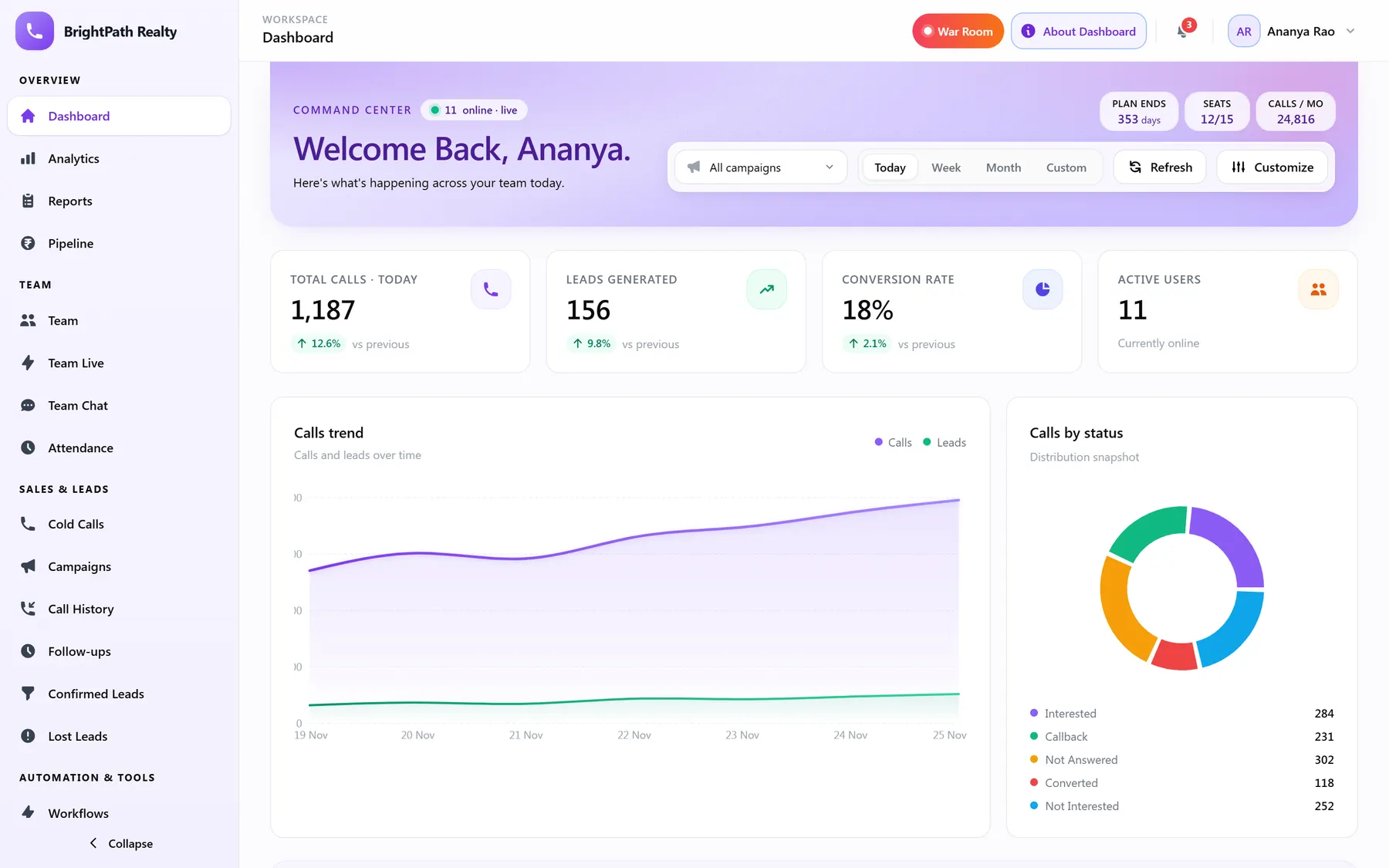
- Reports — dashboard, analytics, AI call analysis, report builder and data export.
Tip
New here? Follow the Quick-start checklist — most teams are calling within 15 minutes.