Agent workspace · Article 5 of 6
Your attendance
For telecallers. Punch in and out, and check your attendance history and hours worked.
Punch in and out
Click Punch in (the green button in the top bar) when you start work, and Punch out when you finish. If you forget to punch in, your first call punches you in automatically.
Leaving early? Your pending numbers may be shared with colleagues who are still working. See Auto-reassignment.
Attendance history
Open Attendance to see your record.
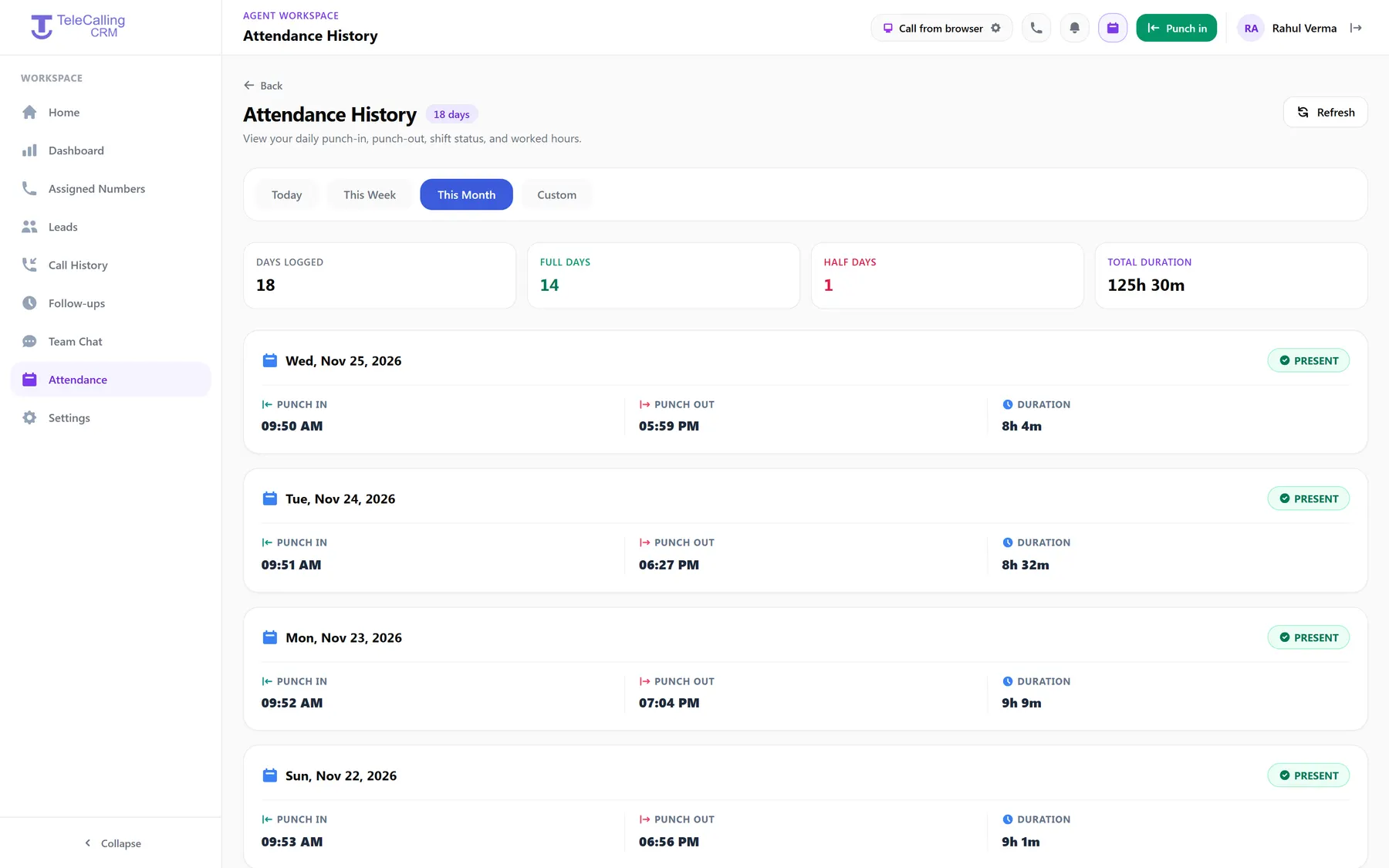
- Choose Today, This Week, This Month or Custom.
- The top shows Days logged, Full days, Half days and Total duration.
- Each day shows Punch in, Punch out, Duration and your status (Present, Half Day, On Leave…).
If something looks wrong — for example, you were marked absent on a day you worked — ask your admin to correct it.