Lead integrations · Article 5 of 6
WordPress website forms
Add a lead form to your WordPress site with our plugin — every submission lands in the CRM.
Our WordPress plugin adds a lead-capture form to any page or post with a shortcode. Submissions go straight into TeleCalling CRM.
Steps
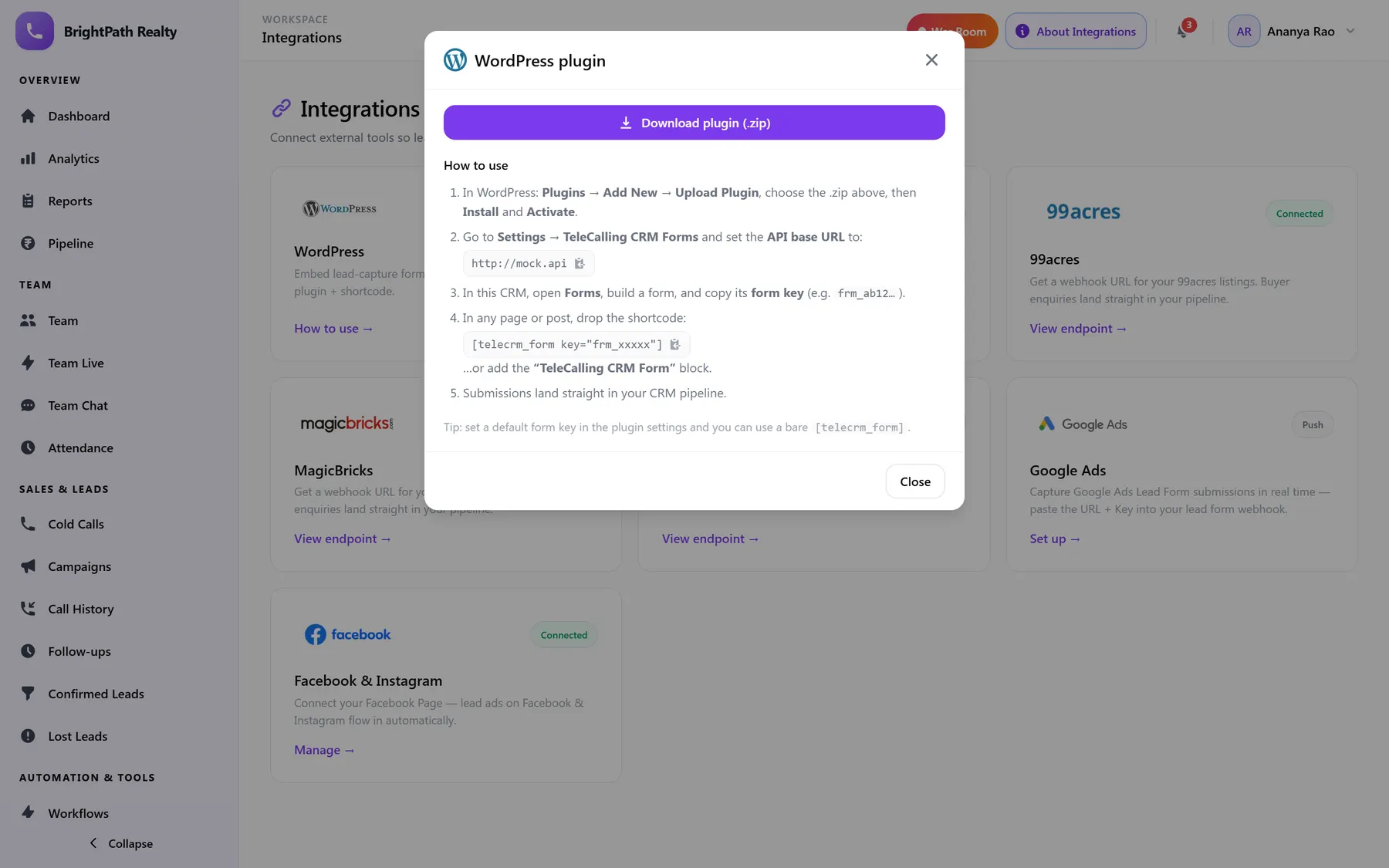
- In TeleCalling CRM, go to Integrations → WordPress and click Download plugin (.zip).
- In WordPress, go to Plugins → Add New → Upload Plugin, choose the zip, then Install and Activate.
- In WordPress, go to Settings → TeleCalling CRM Forms and set the API base URL shown in the CRM.
- In the CRM, copy your form key (it starts with
frm_). - In any page or post, add the shortcode with your form key, or the TeleCalling CRM block.
- Publish the page and submit a test enquiry.
Submissions land straight in your CRM pipeline.
Tip
Set a default form key in the plugin settings, and you can use the shortcode without a key on every page.
Not using WordPress? Use the webhook method in Portals and webhooks, or collect leads in a Google Sheet.