Lead integrations · Article 1 of 6
Integrations overview
Bring leads in automatically from Facebook, Instagram, property portals, Google Sheets, your website and more.
Integrations bring new enquiries into TeleCalling CRM the moment they arrive — no downloading Excel files from each portal. Go to Integrations (under Automation & Tools) to connect them.
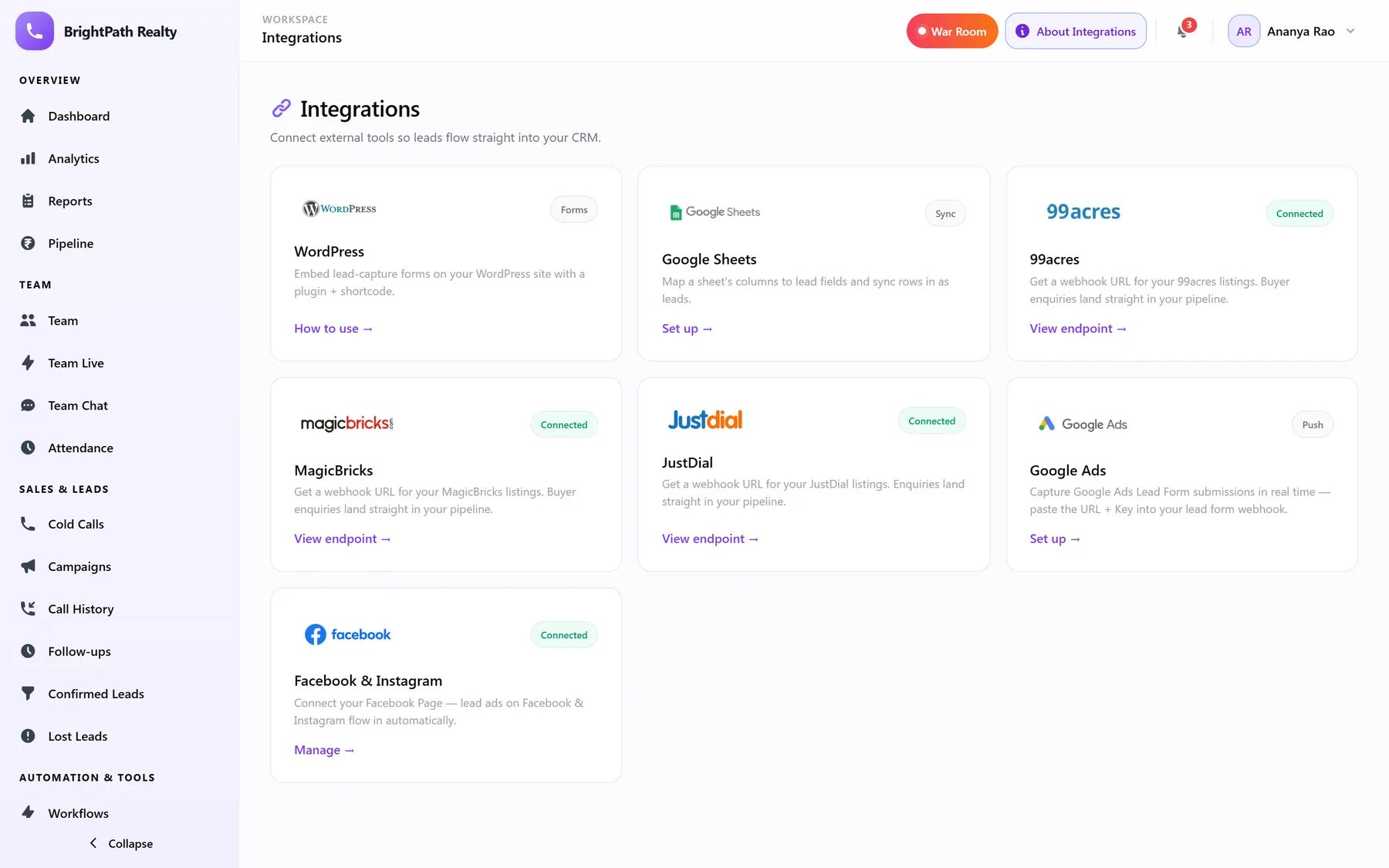
The three kinds of integration
| Kind | How it works | Examples |
|---|---|---|
| OAuth | Sign in once and pick what to connect | Facebook & Instagram Lead Ads |
| Push | The other service sends each lead to your private webhook URL | 99acres, Housing.com, MagicBricks, JustDial, Google Ads, Sulekha, IndiaMART, Wix, Shopify, WooCommerce, Razorpay, Google Forms, Unbounce, Sarv |
| Pull | TeleCalling CRM fetches new leads on a schedule | Google Sheets, TradeIndia |
| Forms | A lead form on your own website | WordPress plugin |
A Connected badge shows which ones are live.
What happens to every incoming lead
Leads are de-duplicated by phone, screened against your DNC list, and routed by your chosen assignment.
- Duplicates — if the number already exists, the enquiry is added to the existing lead.
- DNC — Do-Not-Call numbers are skipped.
- Assignment — Round-robin to callers or Leave unassigned, as you chose for that integration.
- Source — the lead is tagged with the integration's name (e.g. 99acres), so you can filter and report on it.