Settings & security · Article 3 of 3
Data, privacy and security
How your data is protected, how to handle a customer's request to export or delete their data, and the controls you have.
How your data is protected
- Phone numbers are encrypted in our database, not stored as plain text.
- Each company's data is separate — no other TeleCalling CRM customer can see your leads.
- Passwords are stored as one-way hashes; nobody, including our team, can read them.
- One device per agent — signing in on a new device signs the old one out.
- Role-based access — managers and team leads see only their own people and only the pages you allow. See Permission matrix.
Data & Compliance settings
Go to Settings → Data & Compliance — data-protection controls.
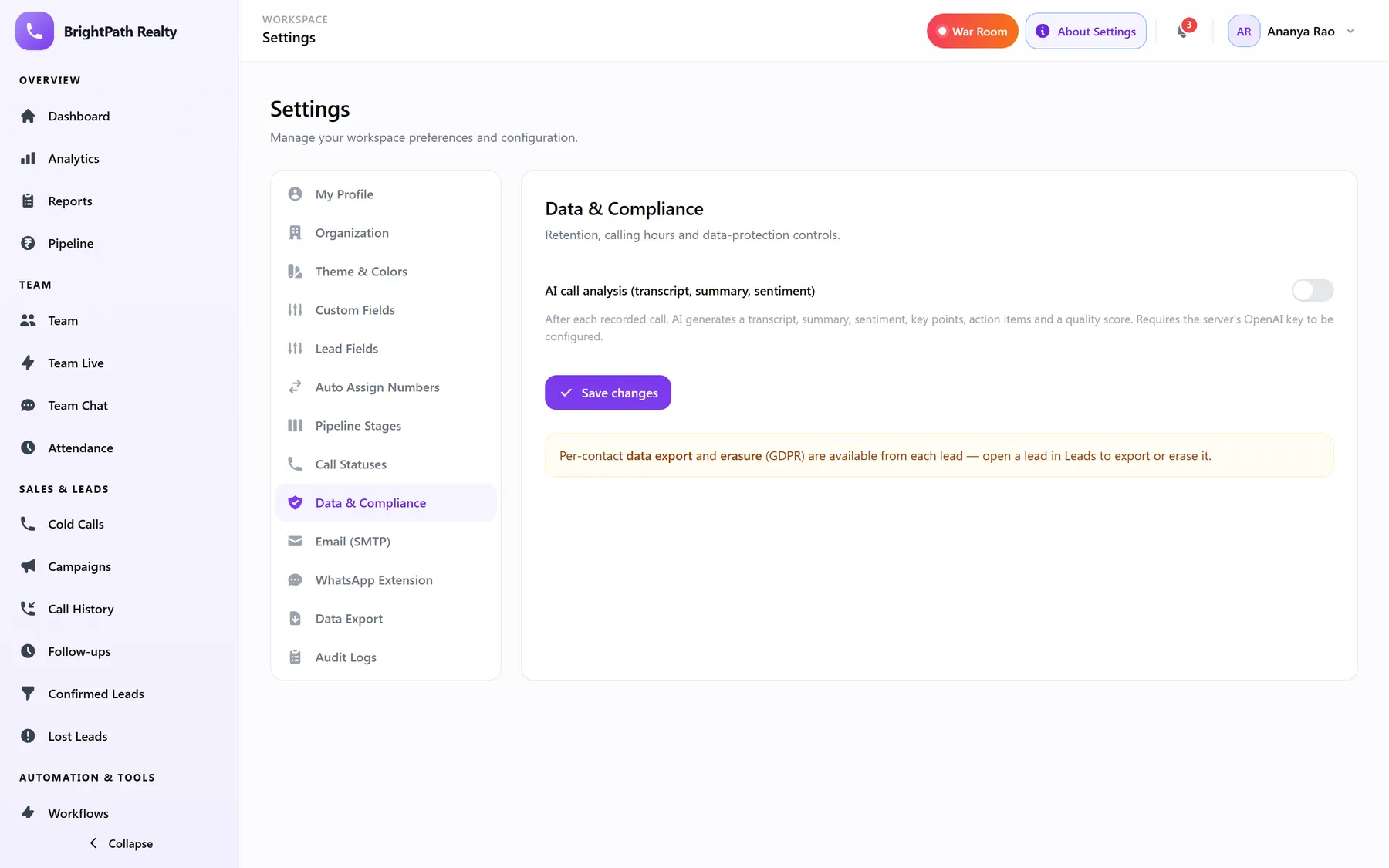
- AI call analysis (transcript, summary, sentiment) — switch AI analysis of call recordings on or off. See AI call analysis.
A customer asks for their data, or to be deleted
Under India's Digital Personal Data Protection (DPDP) Act, people can ask what data you hold about them and ask you to delete it.
- Open the lead in Confirmed Leads.
- To send them their data, click Export data.
- To delete it, click Erase contact and confirm. This permanently removes the contact and all their data.
If they simply don't want calls, add them to the Do-Not-Call list instead.
Call recording
If you record calls, tell customers where the law requires it — for example, "This call may be recorded for quality purposes."
Back up your data
Download your calls, numbers, leads and follow-ups at any time from Data Export.
Audit logs
Settings → Audit Logs is a technical record of activity in your account, used by our support team when investigating an issue. It's protected by a developer access code; our team will guide you if they need it.